


1
Paste your product link
Open Product → Post and paste a link from Shopify, Jumia, Tezeon, Alibaba, or any store page. MicroCreatorr pulls the title, price, and photos automatically — no manual retyping.
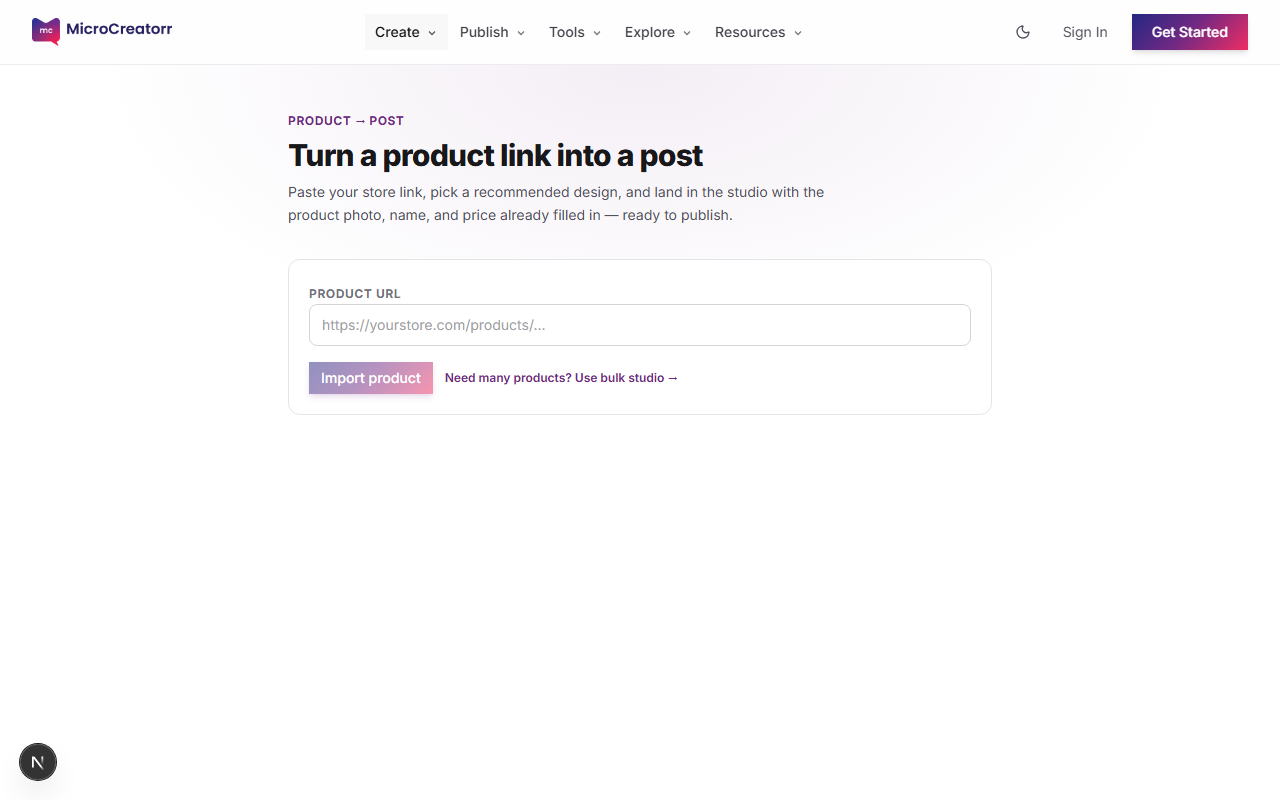
Product Post wizard with URL input field
Paste a store link, upload a photo, or pull live items from your Tezeon catalog.
Choose a platform size — Instagram Post, Story, YouTube, Facebook Cover, WhatsApp — then browse product ad layouts. Photo, price, and copy fill in automatically.
Export or connect social accounts and schedule — no downloading and re-uploading by hand.
The fastest path from a store link to a finished social post — paste a URL, pick a platform size and layout, edit if you want, then publish.
Open Product → Post and paste a link from Shopify, Jumia, Tezeon, Alibaba, or any store page. MicroCreatorr pulls the title, price, and photos automatically — no manual retyping.
Product Post wizard with URL input field
Browse templates sized for Instagram Post, Story, YouTube, Facebook Cover, WhatsApp Status, and more. Product ad layouts fill in your photo, price, and copy — ready to post or tweak.
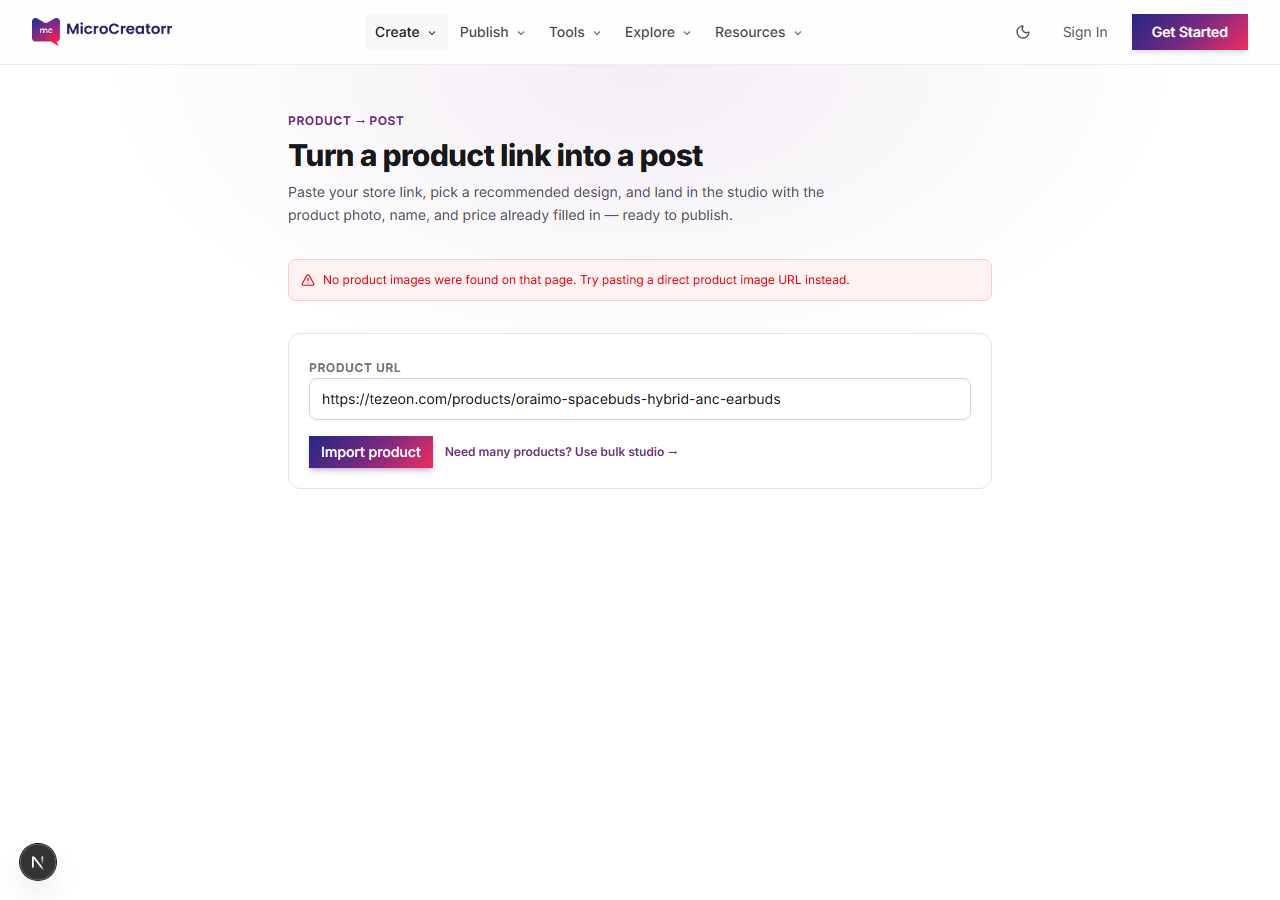
Recommended product ad templates after importing a product URL
Land on the canvas with your product already placed. Change text, swap colors from your brand kit, add AI enhancements, or switch to video mode for a product reel with frames and transitions.
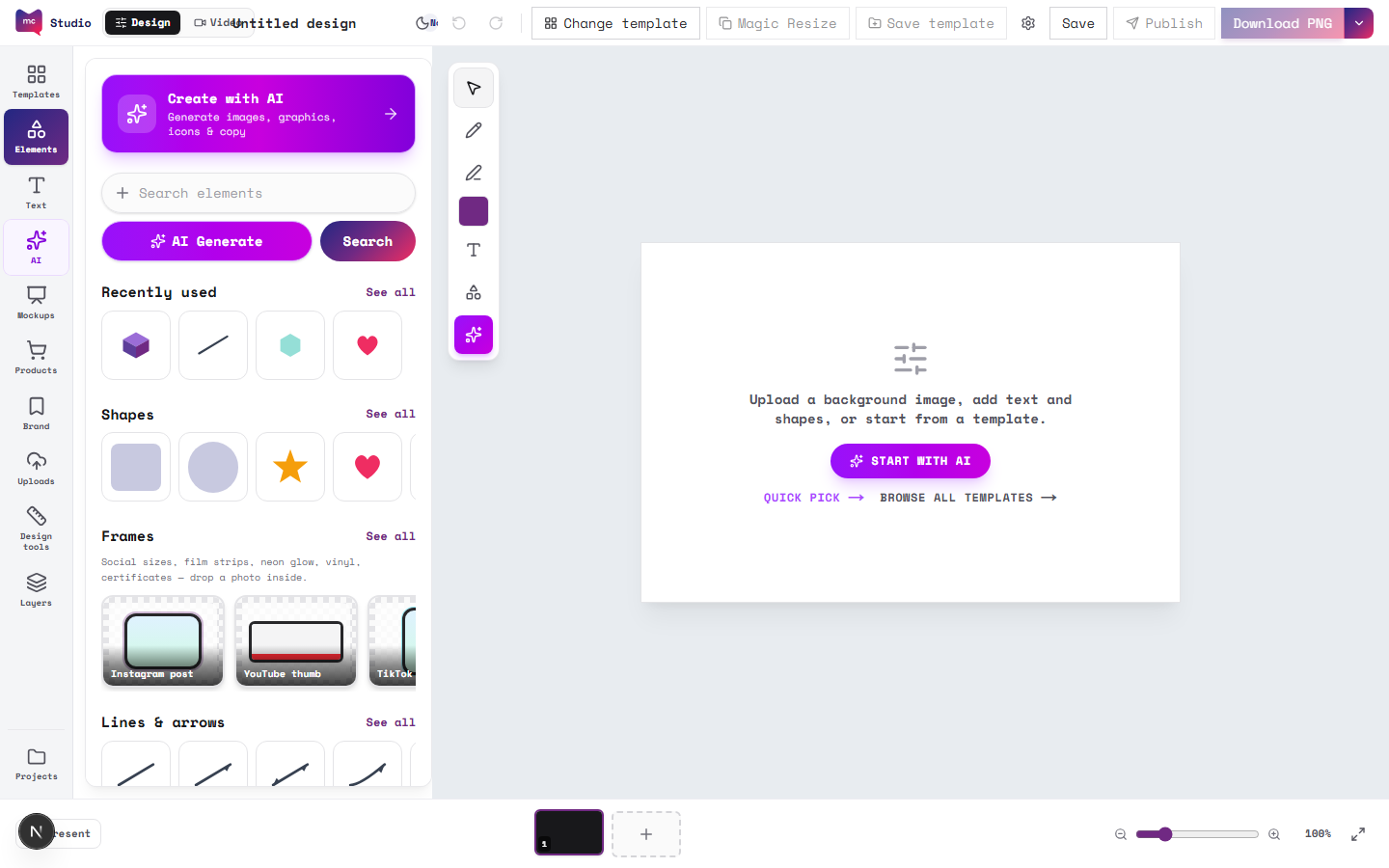
Design studio with product template on canvas
Connect your social accounts once, then publish or schedule finished posts directly — no exporting and re-uploading by hand. Campaigns and calendar keep launches organized.
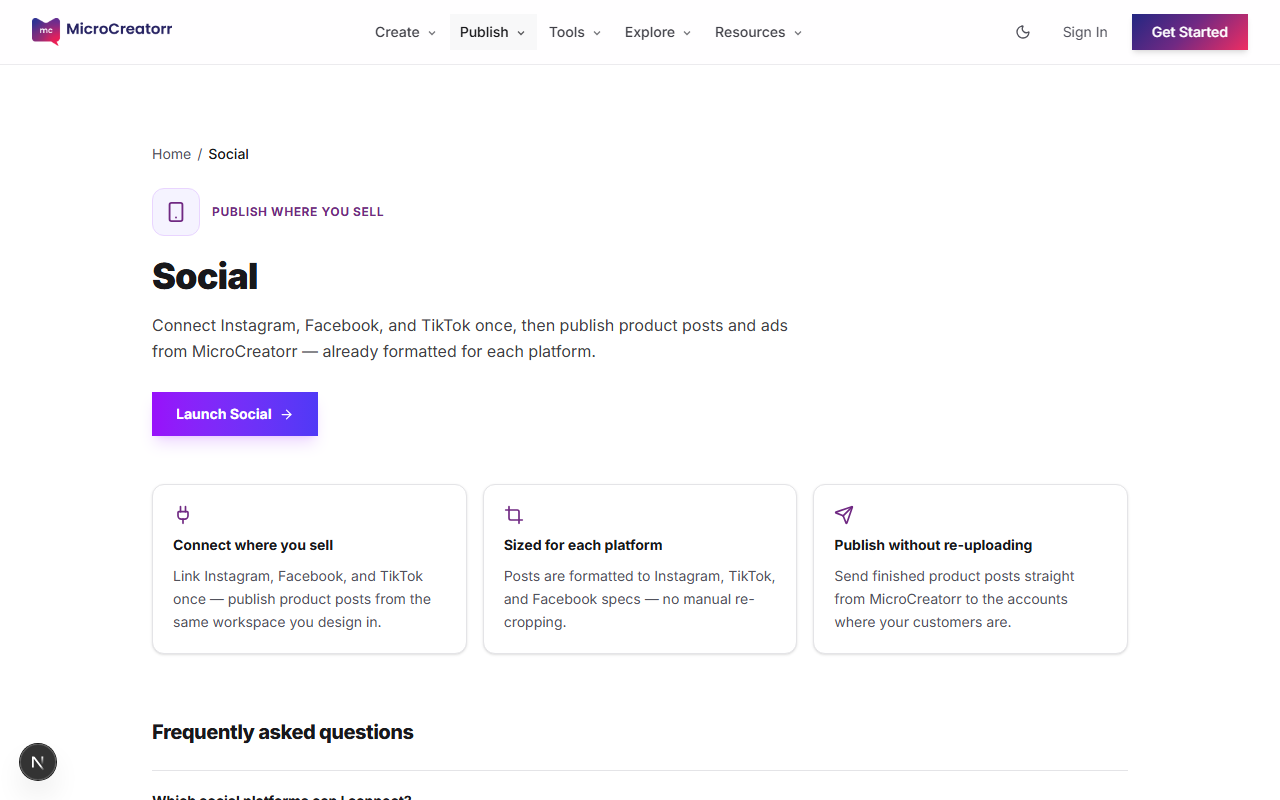
Social publishing overview with Instagram and TikTok
Render many SKUs at once — paste up to 20 product URLs, pick layouts per platform size, and download a ZIP of ready-to-post designs for every item.
Selling on Tezeon? Pull live products — real photos, prices, and SKUs — straight onto the canvas or into a product reel.
In the design studio, open Products and choose Tezeon. Sign in to browse your live catalog without copying image URLs manually.
Design studio with products panel
Pick a listing and add it to your design. Title, price, and hero photo fill into product ad layouts automatically — same flow as pasting any store URL.
Product layout picker with Tezeon-friendly templates
Turn catalog photos into short-form video with timeline editing, product frames, and MP4 export sized for Instagram and TikTok.
Open the studio in video mode or choose “Make a product reel” from Product → Post. Add a supplier video or build a slideshow from product photos.
Studio video mode with timeline
Open Video frames in the sidebar and apply a shop bar, sale banner, or price tag. Title, price, and CTA are pre-filled and editable on the canvas.
Product video frame with pre-filled text
Export MP4 for WhatsApp Status and TikTok, or publish to connected Instagram and TikTok accounts when you are ready.
Social publishing for video posts
